How to Create QR Code Menu for Restaurants
More and more restaurants are adopting digital menus. No wonder it is the easiest way for restaurant owners to get a competitive edge. Cafes, food trucks, bars, and other types of businesses that already have QR menus never look back. Some of them still have paper menus together with QR code stickers, and some have ditched paper menus altogether. But once you have digitalized your menu, you will not go back to paper. The QR code menu is way more convenient. We identified 10 benefits that restaurants get from QR code menus.So, you are on the right path.
Let's just get it done
First, sign up to nord.menu
Next, create a menu card and press “Edit”.
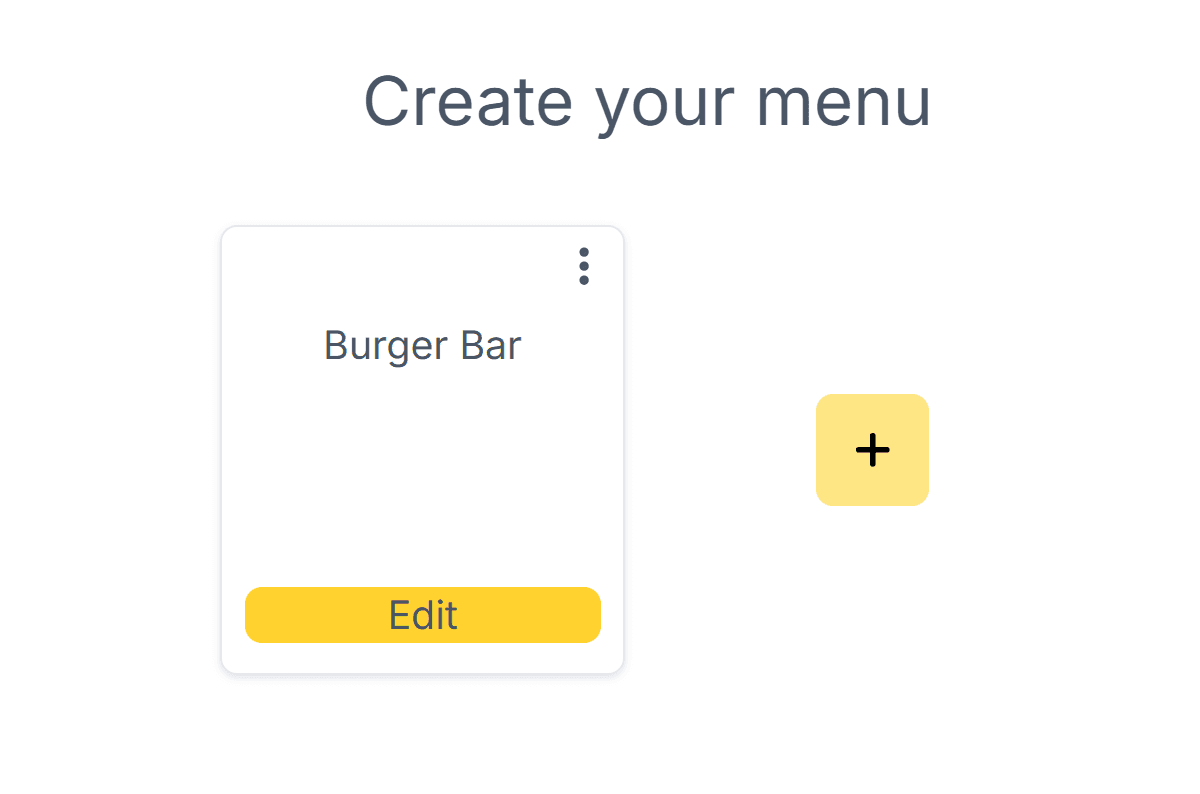
You will get to the menu EDITOR where you can customize your menu for desktop and mobile. The mobile version will be reached when clients scan the QR code with their mobiles, and the desktop version will be opened when clicking on the link on the computer.

Let’s start with adding the main image that will be displayed at the top. Use an image that has a lot of free space, so your text is clearly visible. Press the image icon on the left, upload an image, and select it.

You can upload more images and check which looks best for you.
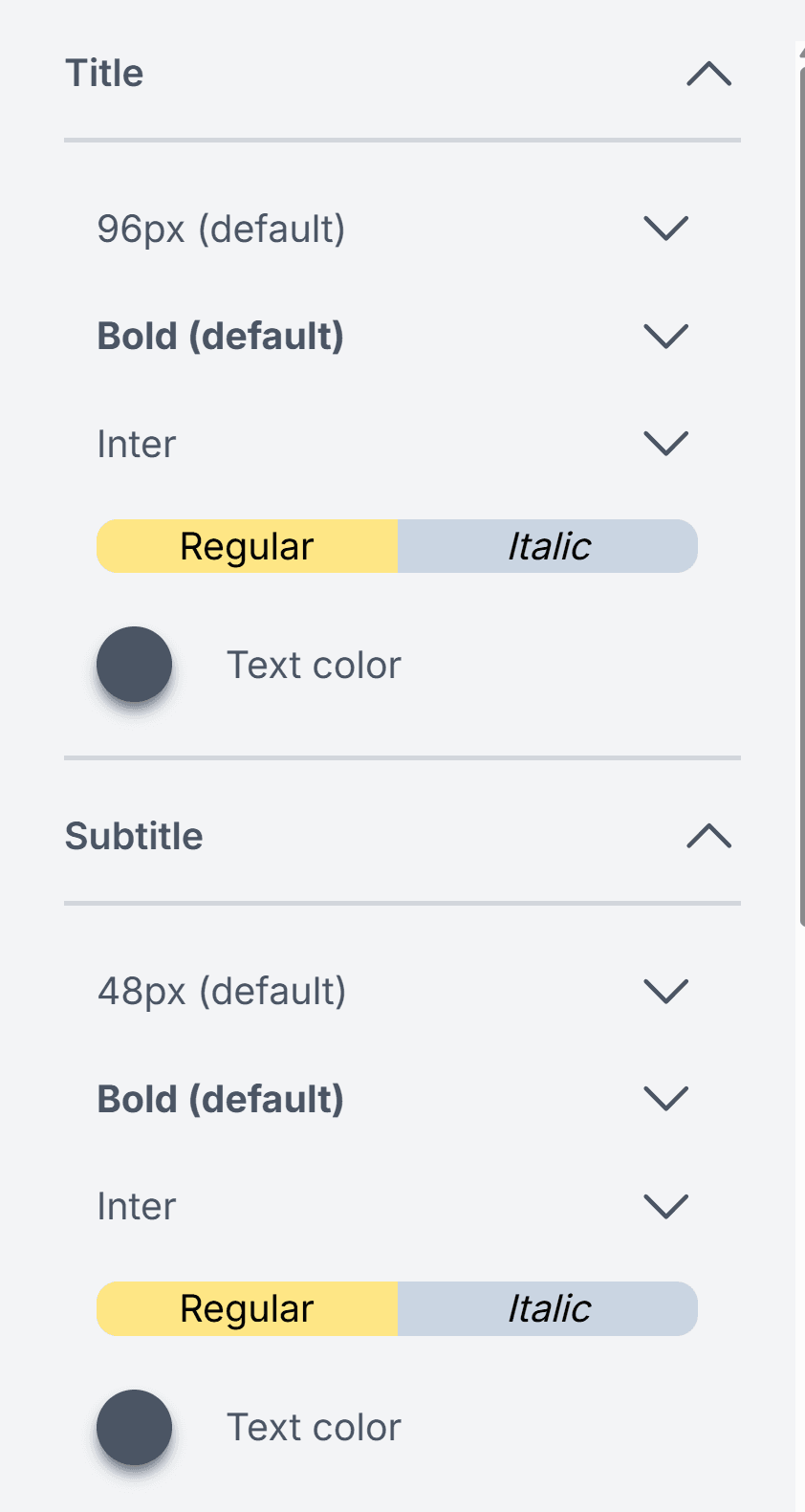
To complete the top section, write your restaurant name in the TITLE section and catchphrase as a SUBTITLE.
You can now customize text design in the editor on the right. This part of the menu is all about your restaurant’s style. So experiment, to get it just right.
Now let’s move to CATEGORIES and ITEMS.
If you already have a menu, open your current menu file so you can copy and paste Categories, Dishes, Descriptions, and Prices.
You can use these elements to save some time:
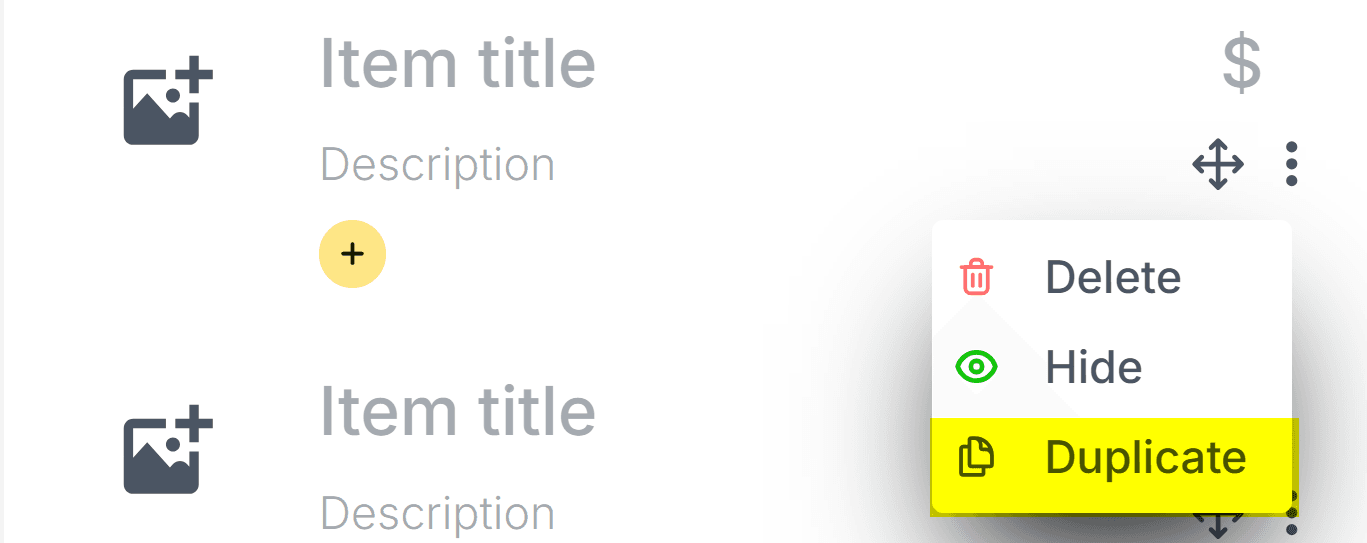
Move items around using this icon

Duplicate items if you have more similar dishes or drinks
The most difficult part is done. Let’s design.
The editor on the right has many parameters to customize your Categories and Items. Play around and try different combinations until you find what looks best.
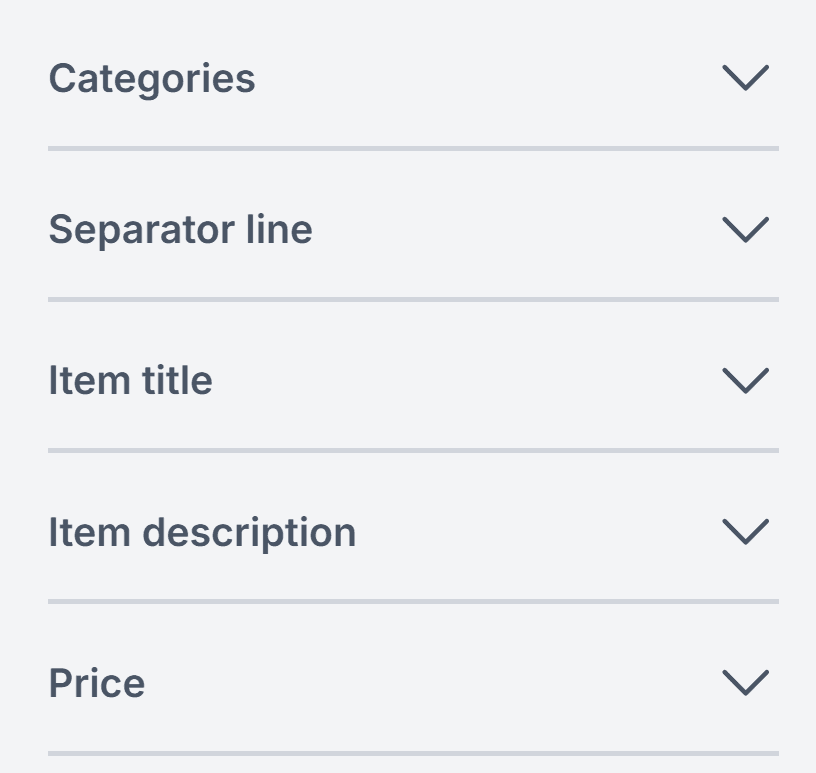
A very important thing is a good contrast between text and background. The menu needs to be easily readable, so it is better to use dark text color on a light background. You can modify background color and other important parameters in the menu editor.
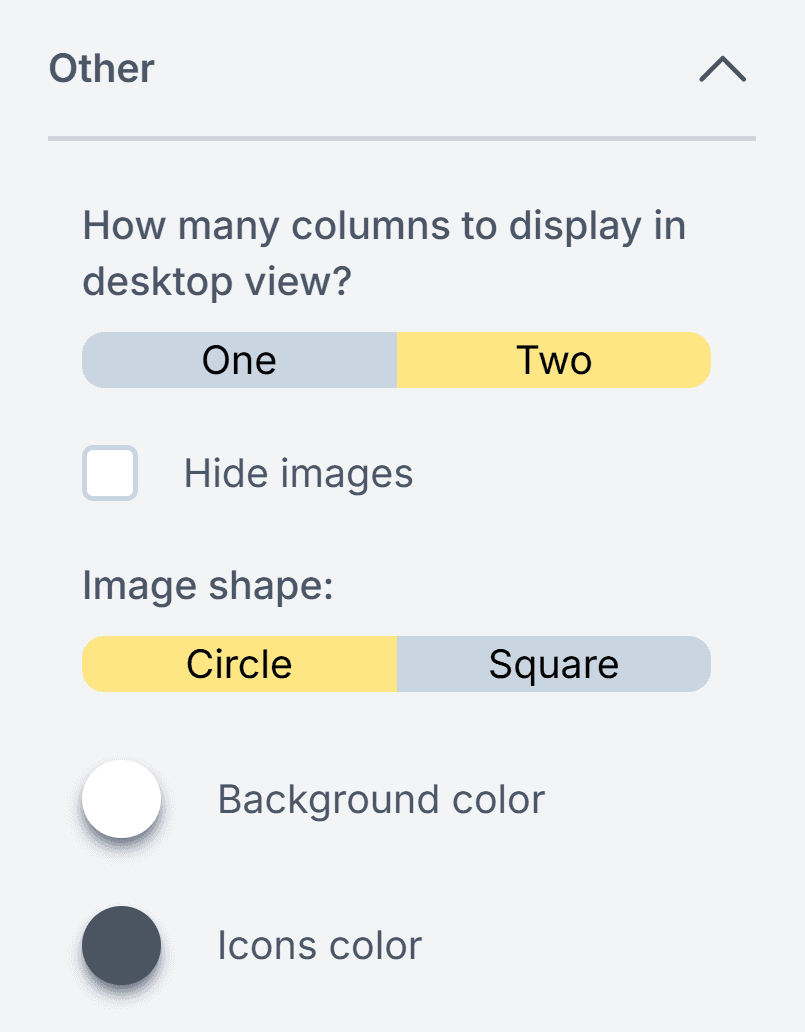
A good menu helps you to direct clients to your other platforms. Some clients like to sneak into social accounts and check pictures and events in your restaurant. Leverage that by adding social media URLs.
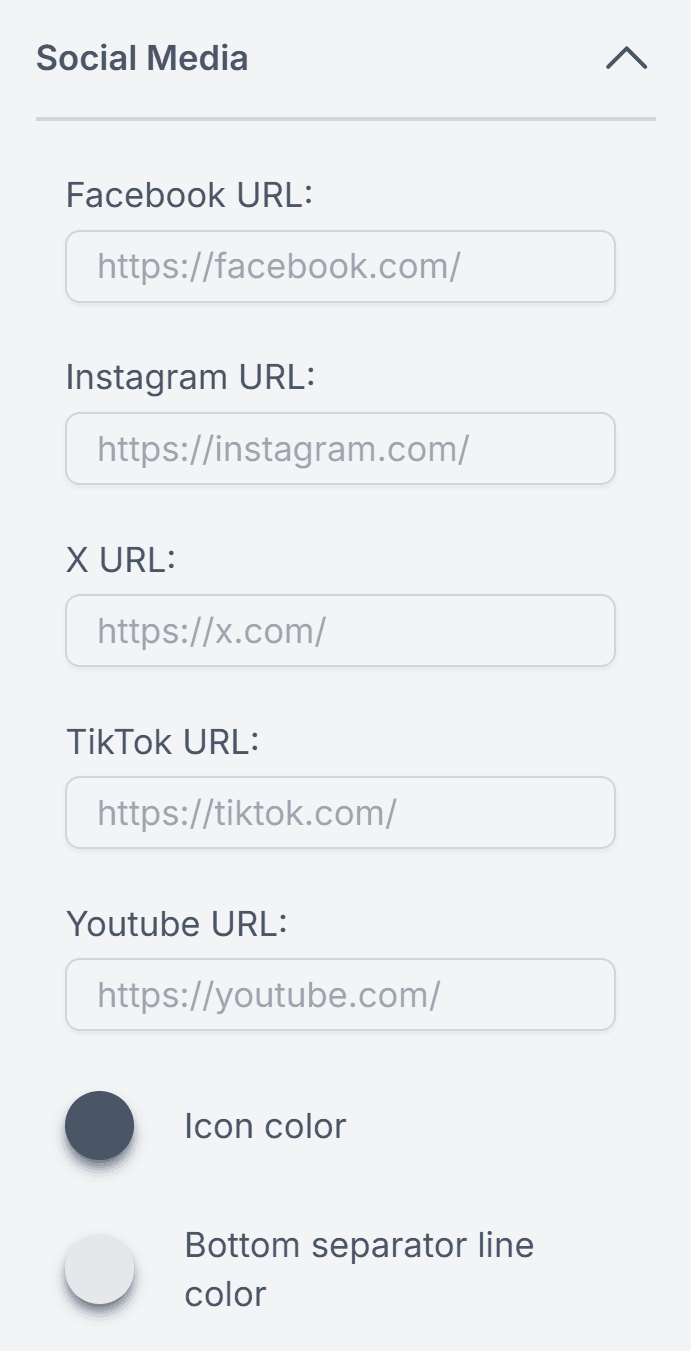
In which team are you: all dishes on menu have images or no images on menu team?
You can have a beautiful menu in both cases. Or you can add appetizing images only for some items.
Most restaurants find it difficult to acquire images for all the drinks. In that case, do what bars do. Have pictures of the type of glassware it is served in, e.g., Collins Glass, Martini Glass, Snifter, etc. It eases clients' decisions.
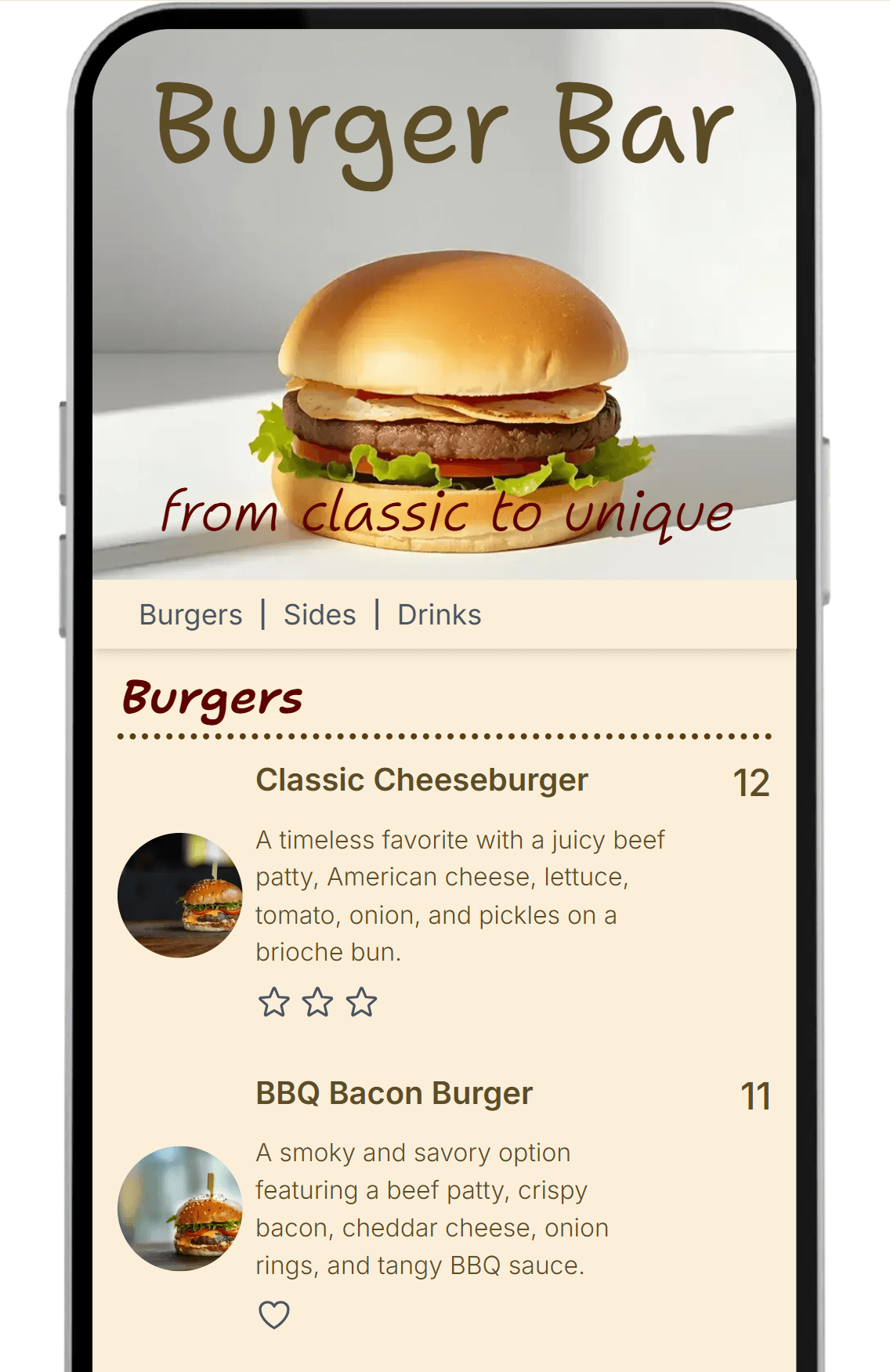
The menu is ready!Check the demo version here.
Now you need to publish the menu. Enter your restaurant name in the field and publish it.
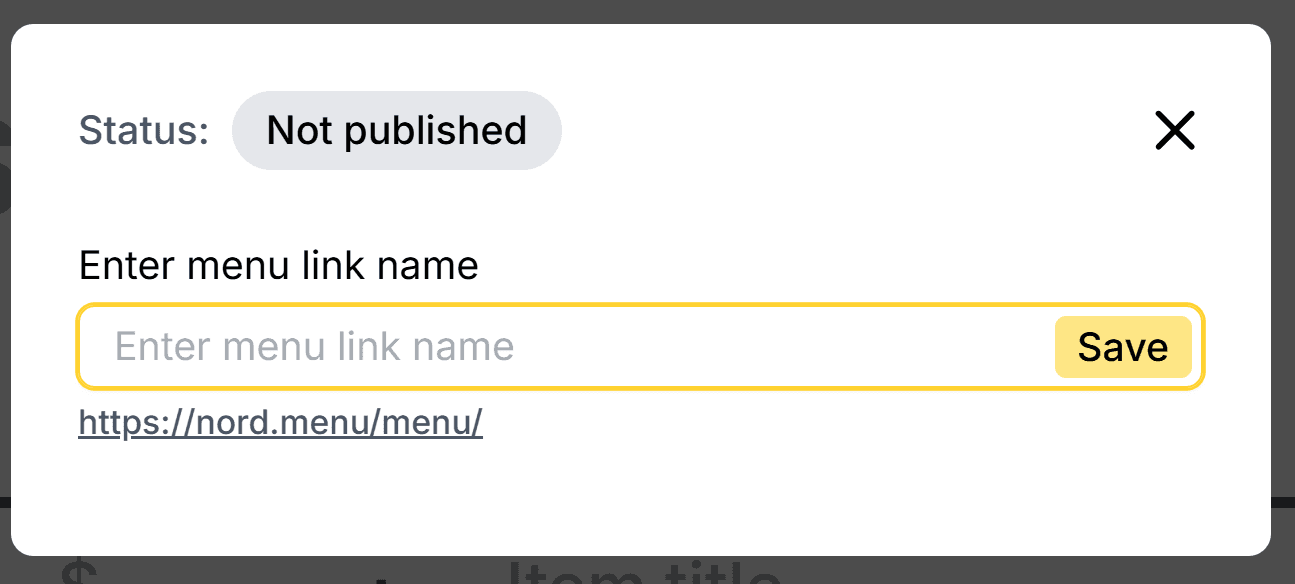
Your menu is now available online, and you can check it by clicking the link. From now on, if you make any changes to your menu, don't forget to republish it. You can edit your menu, and it will be saved for you, but all the changes go online only after republishing.
Now let’s get the QR code itself.
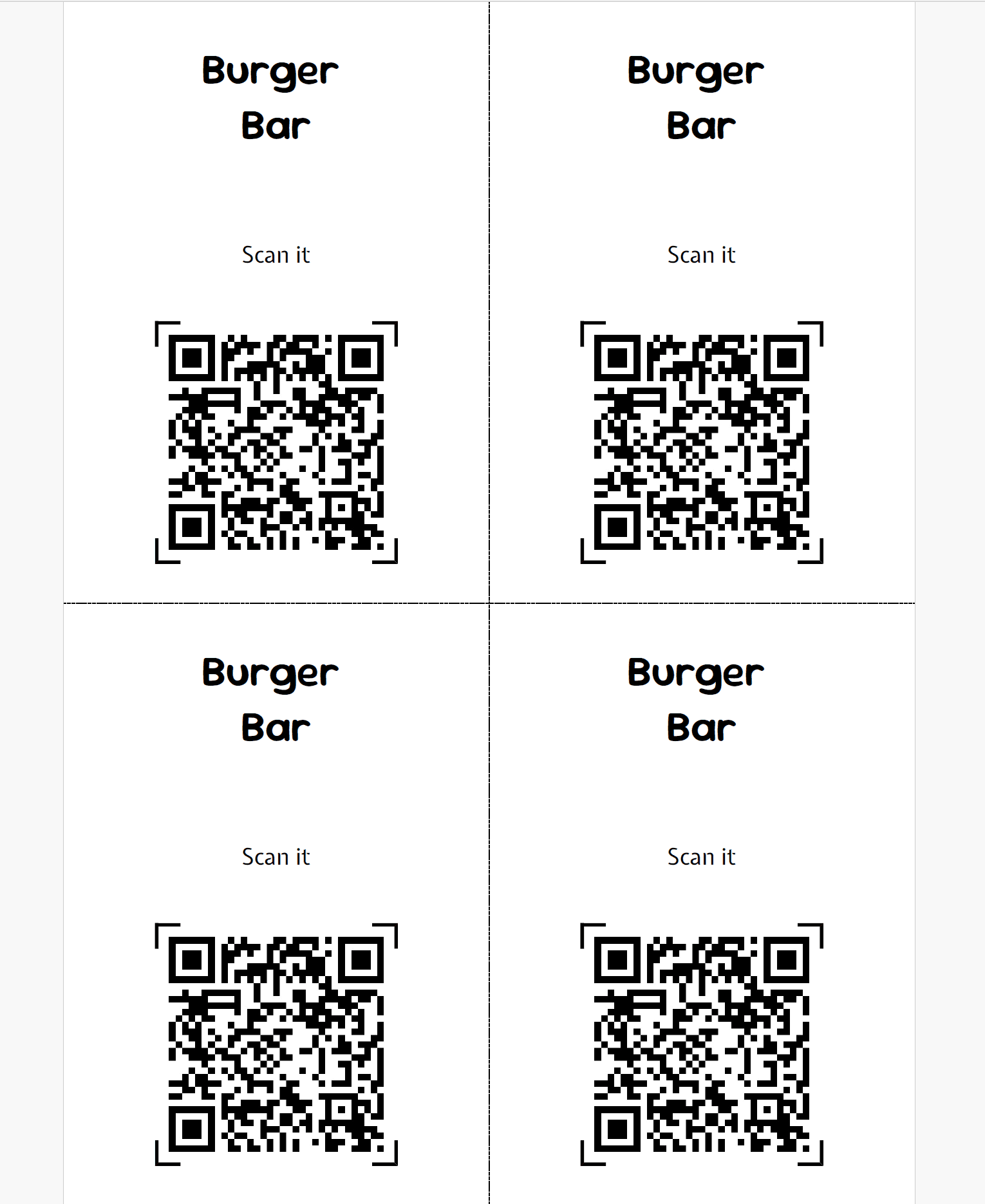
You can have a PDF card that is ready for printing (four cards in one A4 page). Text in the card is editable.
Or you can simply download an svg or a jpg file with only the QR code and use it as you wish.
Most restaurants print QR code cards as tabletop inserts, table tents, QR code holders, or stickers.
You are done!
Last two things:
Add your menu link to social media platforms, website, Tripadvisor, Google MyBusiness, and emails. You will have a menu that is always up to date everywhere.
Don't forget that you can change the menu at any time, so update prices, hide sold out items, modify dishes, and experiment to get the most out of your menu!